
SearchUs
Media Indexing Documentation
Enable images, video, audio, and text-based documents for indexing and SERP tabs.
-
Enable media under Inclusion
In Crawl → Inclusion, turn on the media asset types you want indexed. Document search covers text-based PDF and Word/DOCX. Scanned PDFs, spreadsheets, slide decks, and generated transcripts are not supported. Video caption search uses existing VTT/SRT tracks when present.
Crawl → Inclusion (media types) 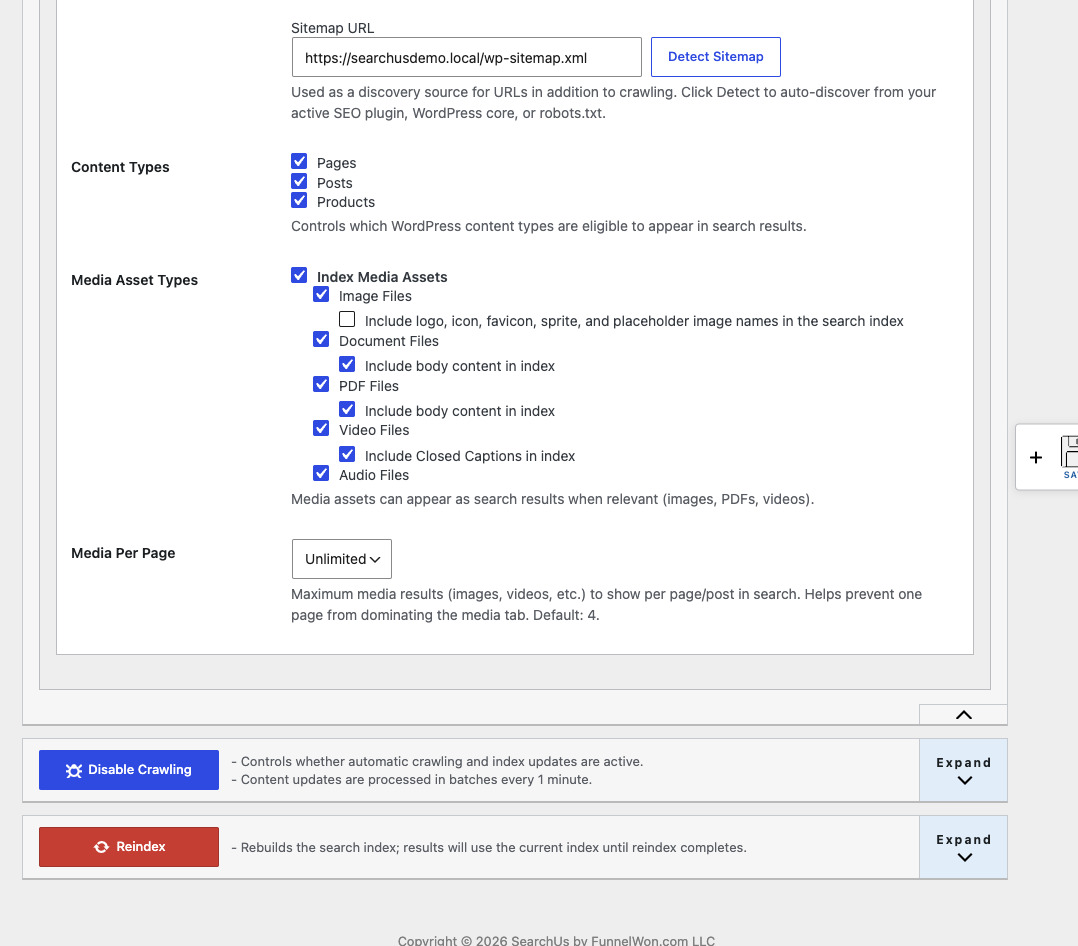
-
Find media on the SERP
Indexed images, videos, documents, and audio appear on dedicated SERP tabs when those types are enabled—alongside posts, pages, and products in All.
SERP Documents tab 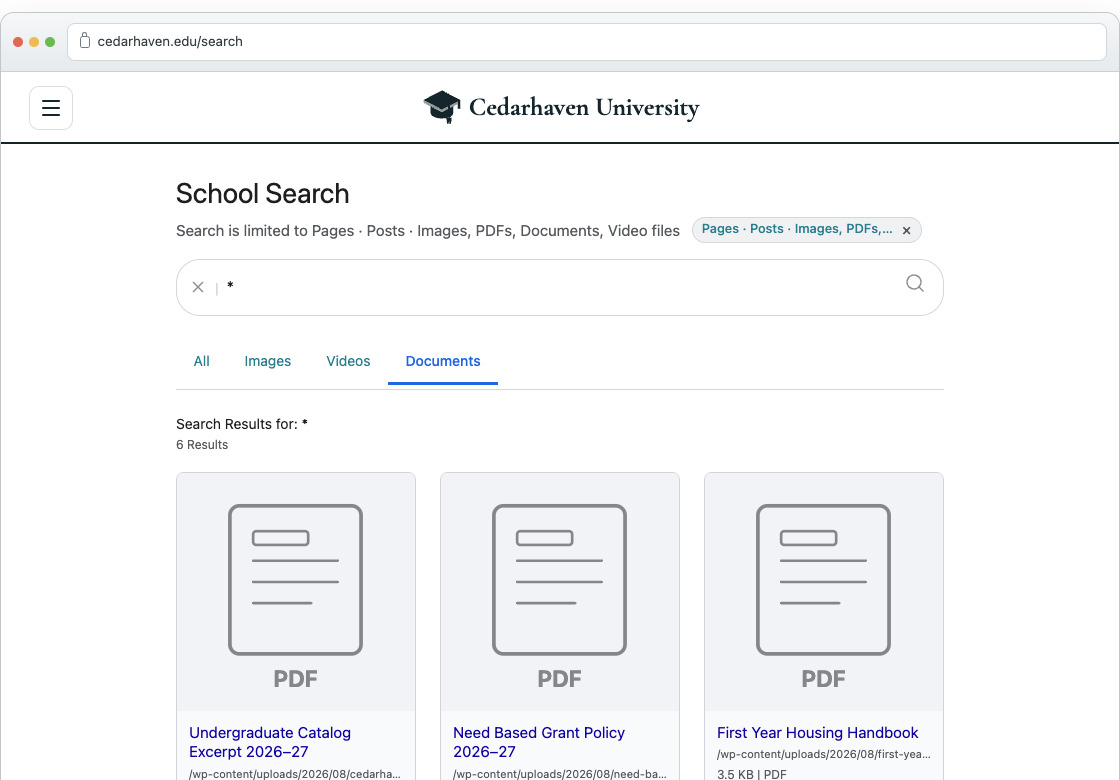
Replace WordPress Search Today
Help every visitor find exactly what they're looking for.
Or Install SearchUs from WordPress.org