
SearchUs
SearchUs for WooCommerce
Index products, SKUs, and barcodes, map size and color language with variant aliases, and use Shopping-tab filters on the SERP.
Variant option aliases map how shoppers type sizes and colors (for example “double extra large”) to your WooCommerce attribute term slugs (for example 2xl) so SERP variation dropdowns preselect correctly. They do not change ranking—use Intent → Synonyms for search language.
-
Index products
Enable products under Crawl → Inclusion so WooCommerce items enter the cloud index. Shopping-tab filters and product cards need indexed products.
-
Search by SKU or barcode
When Products are included, SearchUs sends the parent SKU, each variation SKU, and barcode values with the product. That includes WooCommerce’s GTIN, UPC, EAN, or ISBN field, and barcode fields from supported WooCommerce plugins when those values are present. Shoppers can search the code as stored, including hyphens, underscores, slashes, and dots. A hyphen or underscore code is also found without those characters. A variation code returns the parent product and does not preselect the dropdown. Reindex after updating so codes already on the catalog are stored.
-
Add Variant Option Aliases
Open Ecommerce → WooCommerce. Use YAML
store_option_slug:then- spoken phraselines. Upload a file or use Suggest more for catalog-driven spoken forms, then Save Changes.Ecommerce → WooCommerce → Variant Option Aliases 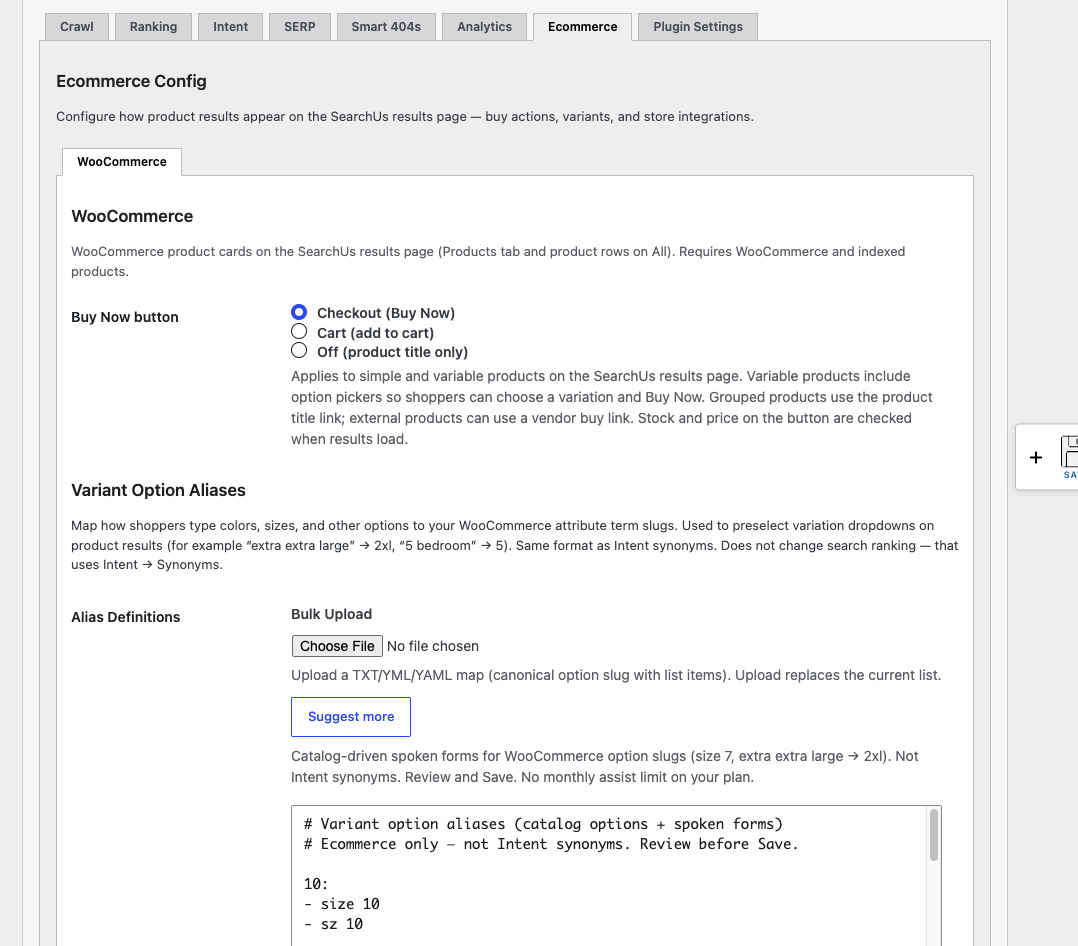
-
Confirm on the SERP
On product results, variation dropdowns can preselect from the shopper’s query language. Buy Now appears for eligible simple in-stock products when WooCommerce is active.
Aliases in admin 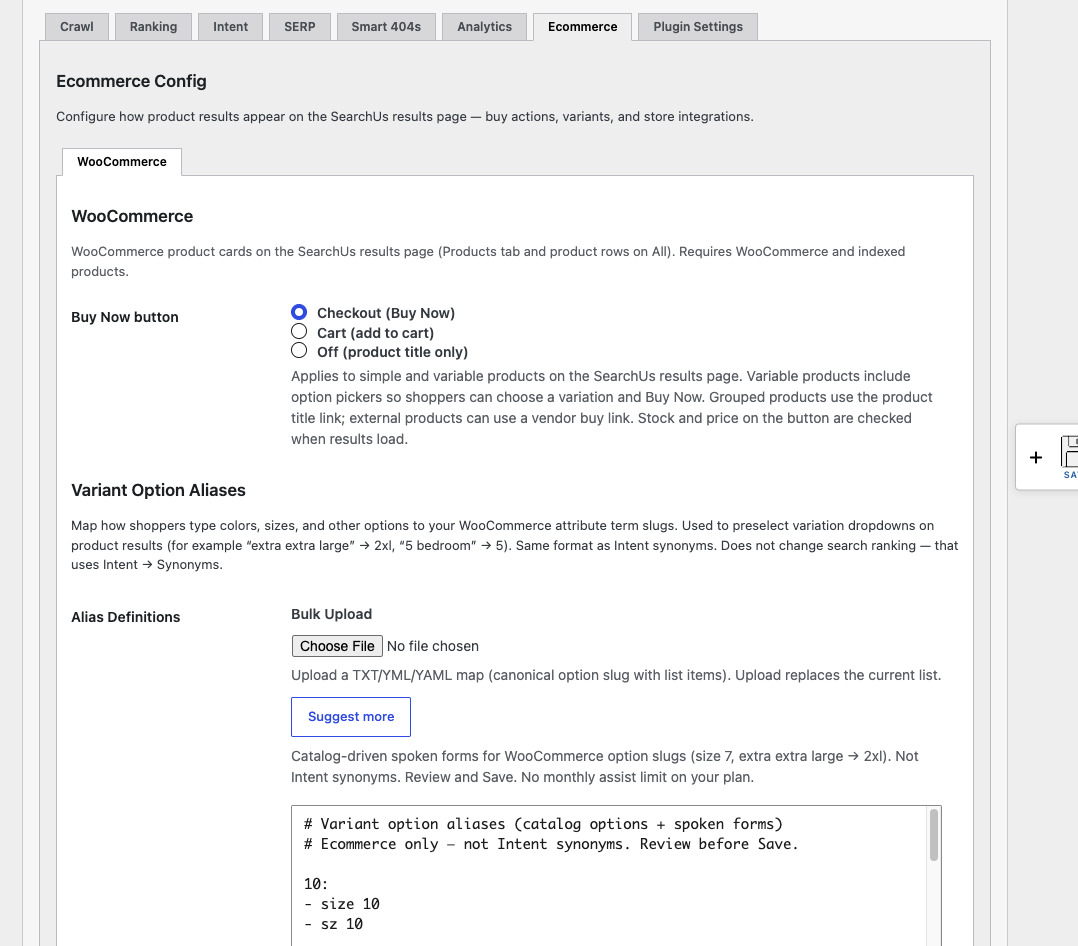
Shopping filters 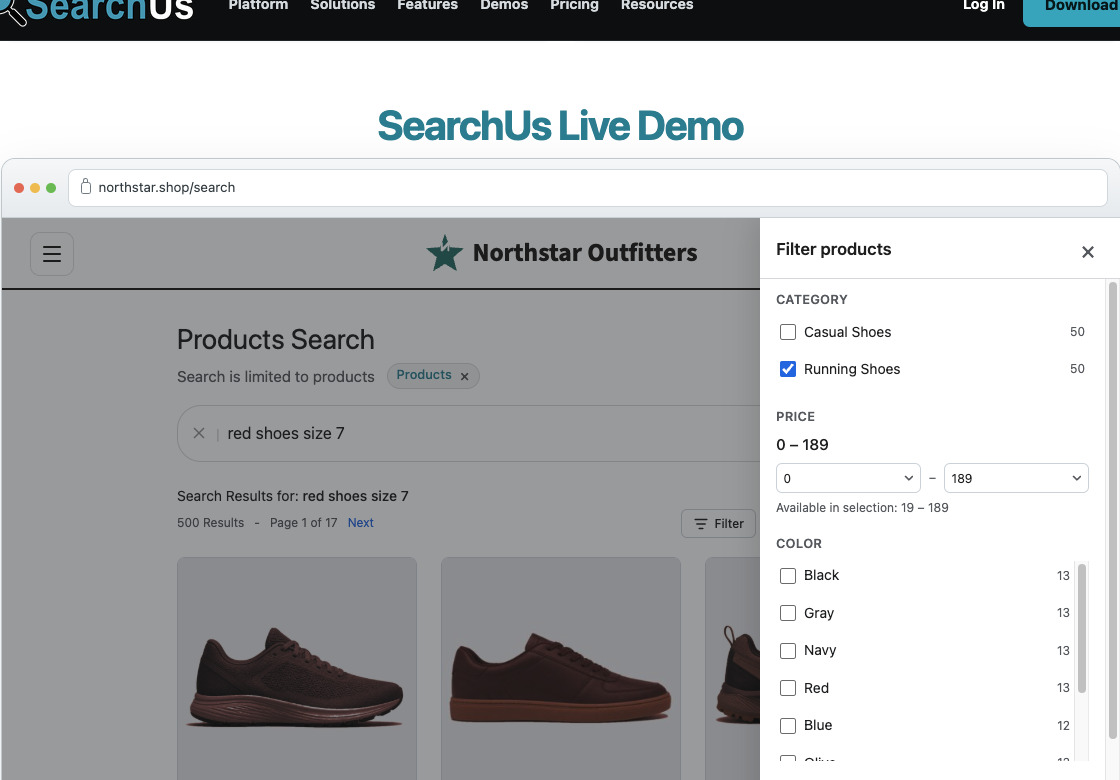
Replace WordPress Search Today
Help every visitor find exactly what they're looking for.
Or Install SearchUs from WordPress.org